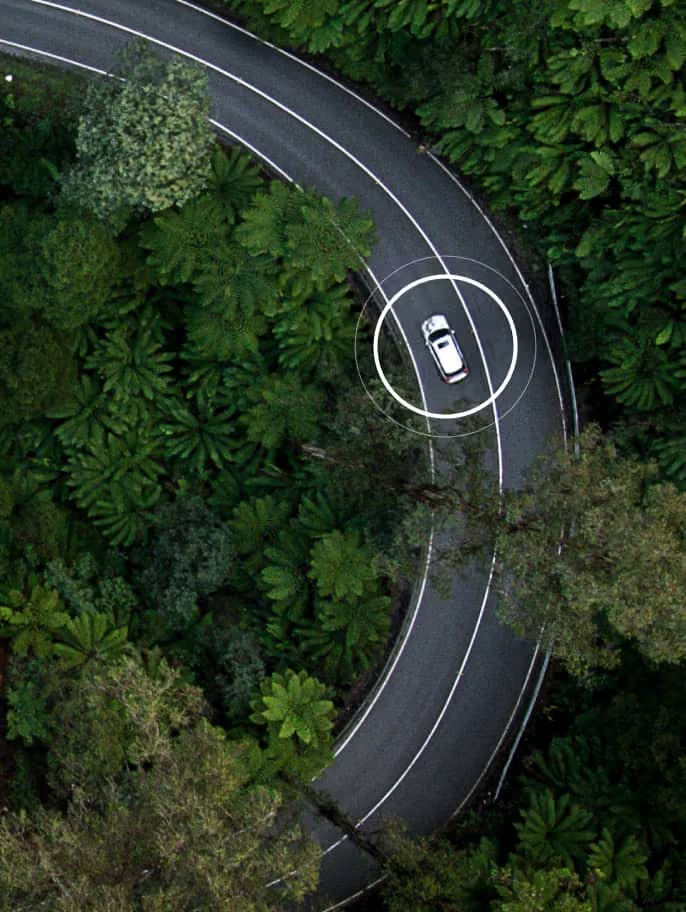
Zetifi Smart Antennas provide Safer Connections, built on world-leading partnerships with enterprise workflows through the cloud with Microsoft 365 Power Platform
Connected Vehicle Technology
Products
Passive, rugged UHF and cellular antennas, plus combo options, built for bull bar or bonnet mounts.
Smart antennas with integrated GPS, Bluetooth and Wi-Fi for local device control including location aware gain and band-control.
Vehicle gateways with cellular modem for tracking and telematics, stand-alone or bundled with integrated antennas.
Mounts, brackets, cables & connectors that make installs fast and reliable.
Integrated Technology
Geotab telematics devices that capture location, vehicle health, and driver events.
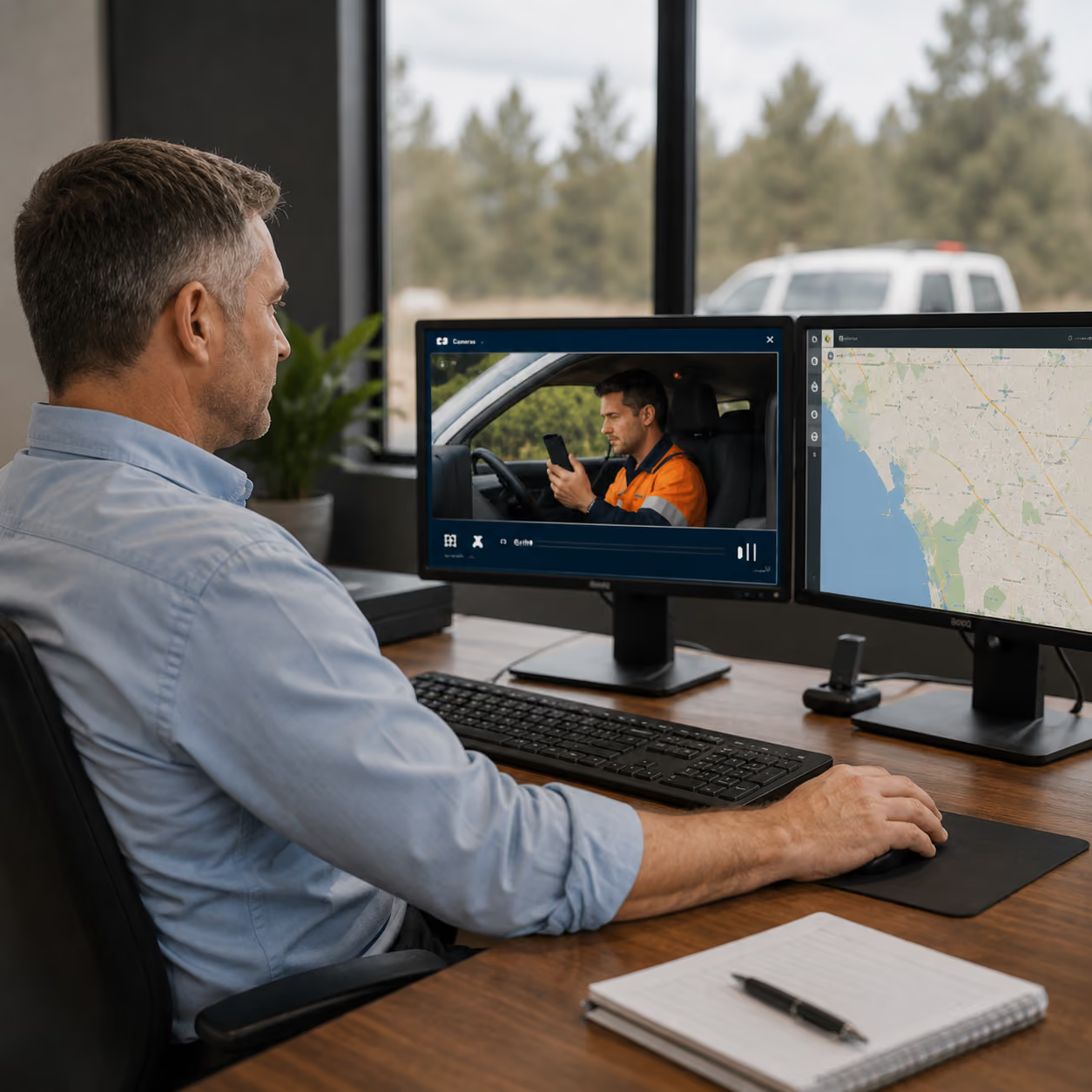
Geotab-compatible AI cameras that capture incidents and surface risky driving behaviours.
Icom radios across UHF CB, UHF LMR, and LTE PTT, mobile and handheld, with gateway-linked remote duress.
Integrations that connect Geotab and vehicle events into Microsoft workflows in Teams, SharePoint, and Excel.
Solutions
Simple GPS tracking that shows your vehicles on a live map in Geotab or Microsoft.
Full telematics for maintenance, compliance, and management with alerts and reporting via Microsoft.
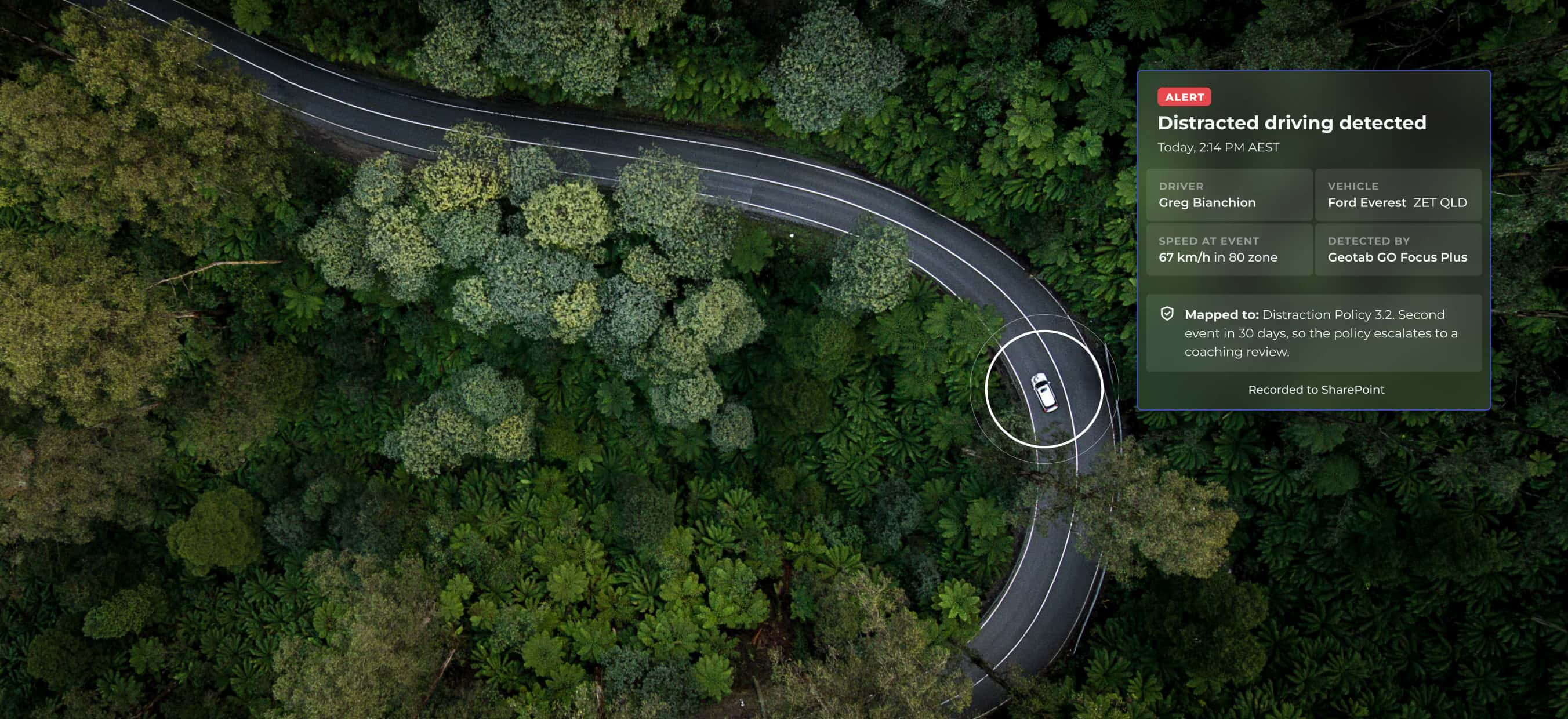
Safe driving risk management that turns policy into alerts, actions, insights, and evidence in Microsoft 365.
Duress buttons and automated check-ins that trigger cloud alerts via SMS or Microsoft, with optional two-way radio integrations.
What industry leaders are saying

Built for Microsoft 365

Zetifi Connected Fleet Safety is a Microsoft-native risk management platform. We turn signals from Smart Antennas, telematics, and two-way radios into alerts, reports, and evidence that support safer, simpler operations.

How Zetifi drives connectivity


What our customers are saying
Book a Demo
Schedule a quick demo and our team will walk you through the Zetifi solutions best suited to your needs.
Latest News
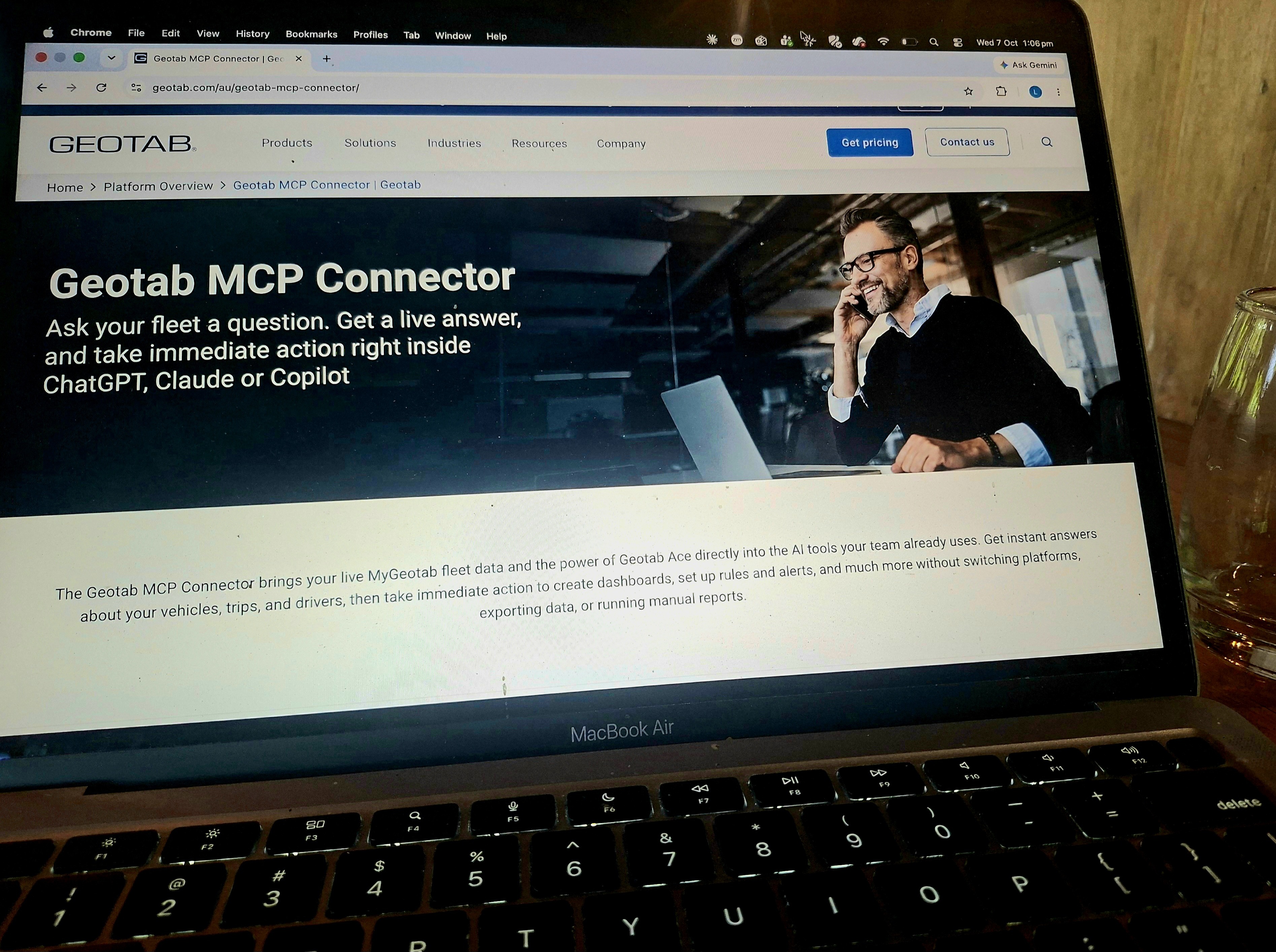
Using technology to safeguard the mental health of mobile and field workers
Source: Using technology to safeguard the mental health of mobile and field workers
Australia is a big country and travelling long distances on deserted roads is all in a day’s work for many mobile and field workers. So is toiling in isolated locations, miles and hours from towns and cities, as many agricultural and resources sector employees do.
While mobile phone coverage has improved in recent times, it’s still far from universal. Black spots remain plentiful in rural and remote locations.
Knowing you’re out of phone range is not a pleasant feeling. For lone workers travelling and working solo, it can mean being stranded by the side of the road for hours or even days, should they experience a breakdown or face other dangers such as human or animal aggression, an unfortunate medical event, or seasonal climate disaster.
And, in the event of a collision or industrial accident, they may well find themselves seriously injured and unable to raise the alarm that they need help urgently.
On the road and on your own
Fortunately, businesses are becoming alert to the fact that knowing they’re off the grid can be extremely stressful for workers. Over time, that stress can have a harmful effect on mental health and wellbeing.
Given mental health is the leading cause of absence and long-term incapacity in the workplace — it costs the Australian economy as much as $220 billion annually, by the Productivity Commission’s reckoning — there’s a clear imperative for businesses to take practical steps to promote worker safety and wellbeing wherever they can.
Doing so is both socially responsible and commercially smart. In recent years, states have strengthened regulatory frameworks around psycho-social hazards; putting the onus squarely on businesses to identify, mitigate and manage them. In fact, directors who fail to take sufficient steps to safeguard workers’ psycho-social wellbeing may find themselves held personally liable for adverse consequences that arise as a result.
Turning to technology to boost worker wellbeing
That’s where technology has an important role to play. It can ensure lone workers, however remote their location, are not left feeling like they’re out there on their own.
Devices today can sense worker environments, deliver precise location awareness and create intelligent connections between devices, systems and people, via connectivity, telematics and applications including lone worker duress and safety alarm tools.
The signals they detect and transmit can be swiftly and seamlessly interpreted and forwarded to key personnel responsible for instigating an immediate and appropriate response.
That’s not always possible when a lone worker is solely reliant on their mobile phone to summon aid. As a safeguarding system, it’s far too vulnerable to single point failure. Should the network drop out, for example, or the phone malfunction, there’s no Plan B for getting word back to base.
Instead, what’s needed are two things:
- An improvement in reliability where possible, extending coverage, and better high-quality devices, but this only takes you so far.
- Redundancy, which is infinitely more achievable because no matter how high the quality of a device or network, things can and do go wrong.
However, ultimately, you need a back-up plan, including the use of antennas able to provide back-up signalling methods and back-up connectivity, so if a worker’s phone isn’t working it can get critical information out. Seamless integration with third party applications, such as telematics, can also be a game changer. This can provide businesses with highly accurate collision data on sudden stops and vehicle impact, along with the ability for workers to check in regularly and send an SOS via cabin-mounted and portable duress buttons.
Efficient incident management
If the technology array that’s adopted integrates seamlessly with low-code tools and systems, monitoring and managing remote worker activity can be highly efficient and cost effective. Indeed, by drawing on existing organisational structures, citizen developers can create customised workflows that ensure the right people are alerted, based on the nature of the data received.
Emerging agentic AI capabilities today also enable users to build intelligent virtual agents that can make decisions and issue instructions autonomously, around the clock. In effect, that means someone’s in the office, all the time, looking out for lone workers who are on the road and in the field.
Taking care of the team physically and mentally
Irrespective of the industry, a healthy, high-performing workforce will always be any organisation’s greatest asset. Whether they’re in the office or out on the road alone, it’s vital that steps are taken to show the team the company has their back. Having access to intelligent antenna technology that allows them to share their location and signal for assistance means they can get on with the job, secure in the knowledge they’ll receive speedy support whenever it’s needed.
If providing a mobile workforce with greater peace of mind is a priority, it’s an investment that will stand any business in excellent stead.

On the road and in the field — how technology can safeguard workers
This article was originally published on Safety Solutions and is republished here with permission.
Source: Safety Solutions – On the road and in the field — how technology can safeguard workers
___
For businesses with mobile and field workers, occupational health and safety obligations can be harder to meet. Zetifi founder and CEO DAN WINSON sets out how connected fleet safety can help.
While Australia’s stringent occupational health and safety frameworks have helped ensure our country’s workplaces are among the safest in the world; in recent decades, workplace fatalities remain a sad reality of life.
In 2024, 188 workers across the country lost their lives due to traumatic injuries incurred at work. Four in five fatalities occurred in just six industries: agriculture, forestry and fishing; public administration and safety; transport, postal and warehousing; manufacturing; health care and social assistance; and construction.
Machinery operators and drivers accounted for 32% of those fatalities, with vehicle incidents the leading cause of fatal injuries (42%), according to Safe Work Australia.
Ensuring the businesses they work for don’t add to these tragic statistics in 2026 should be an overarching goal for all occupational health and safety teams.
Tackling risk head on
How best to do so is the question, particularly for businesses and organisations which employ large teams of mobile and field workers.
For many of these organisations, identifying the gamut of potential risks their workers face when they’re out on the road is a sensible place to start.
And then there are the incidents and events over which employees have rather more control — think erratic braking, speeding events and unsafe overtaking.
Developing policies to mitigate these unavoidable and avoidable risks should be a priority for businesses that have not already done so. Mandating employees drive to conditions, avoid speeding and seek shelter during severe storms, for example, is a straightforward way of reducing the likelihood of them coming to grief on the road.
Obtaining insights from the field
But having policies in place that require workers to take sensible precautions is just one piece of the puzzle. Being able to enforce them is the other. To do so necessitates having access to up-to-date insights into how workers behave when they’re behind the wheel of company vehicles.
That’s where technology has a vital role to play. Devices today can sense worker environments, deliver precise location awareness and create intelligent connections between devices, systems and people through connectivity, telematics and applications such as duress and lone worker safety alarm tools.
The signals they detect and transmit can be swiftly and seamlessly interpreted and sent on to key personnel, who can use that intelligence to enhance worker safety on several fronts.
However, what’s required is reliable coverage anywhere, with alerts able to be transmitted kilometres away across the likes of a farm, mining site or national park. Smart antennas and seamless integrations with third-party applications such as telematics can help here and provide robust information on issues such as driver speed, braking, acceleration and cornering performance.
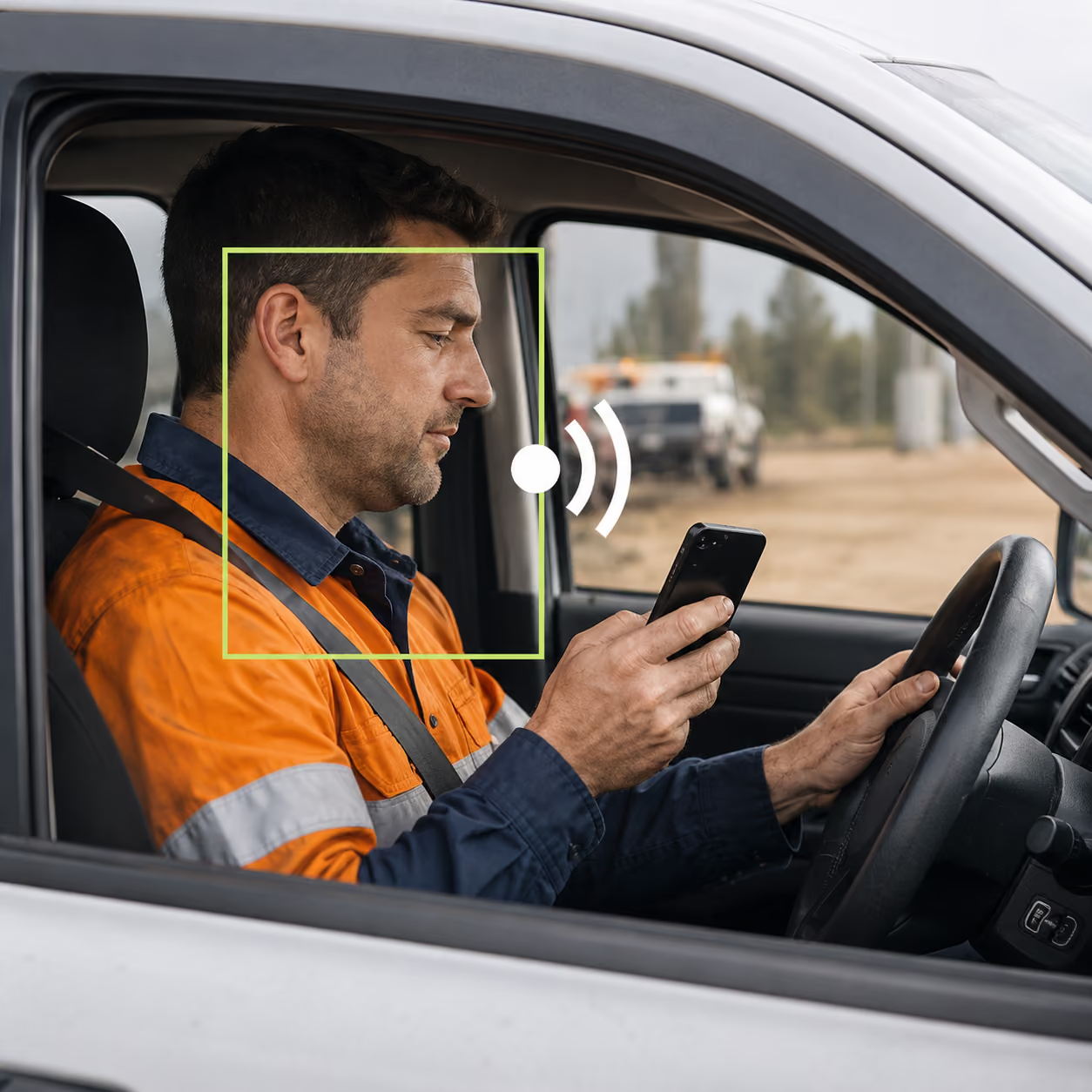
This type of connected fleet safety is ultimately about visibility and proof. By combining radio-based safety features with telematics, organisations can better understand risk, improve behaviour and demonstrate that safety controls are operating in practice.
Striving to improve worker safety
That’s reassuring for workers, particularly those who are regularly sent out on the road solo. For businesses, meanwhile, it demonstrates a willingness to walk the walk when it comes to occupational health and safety.
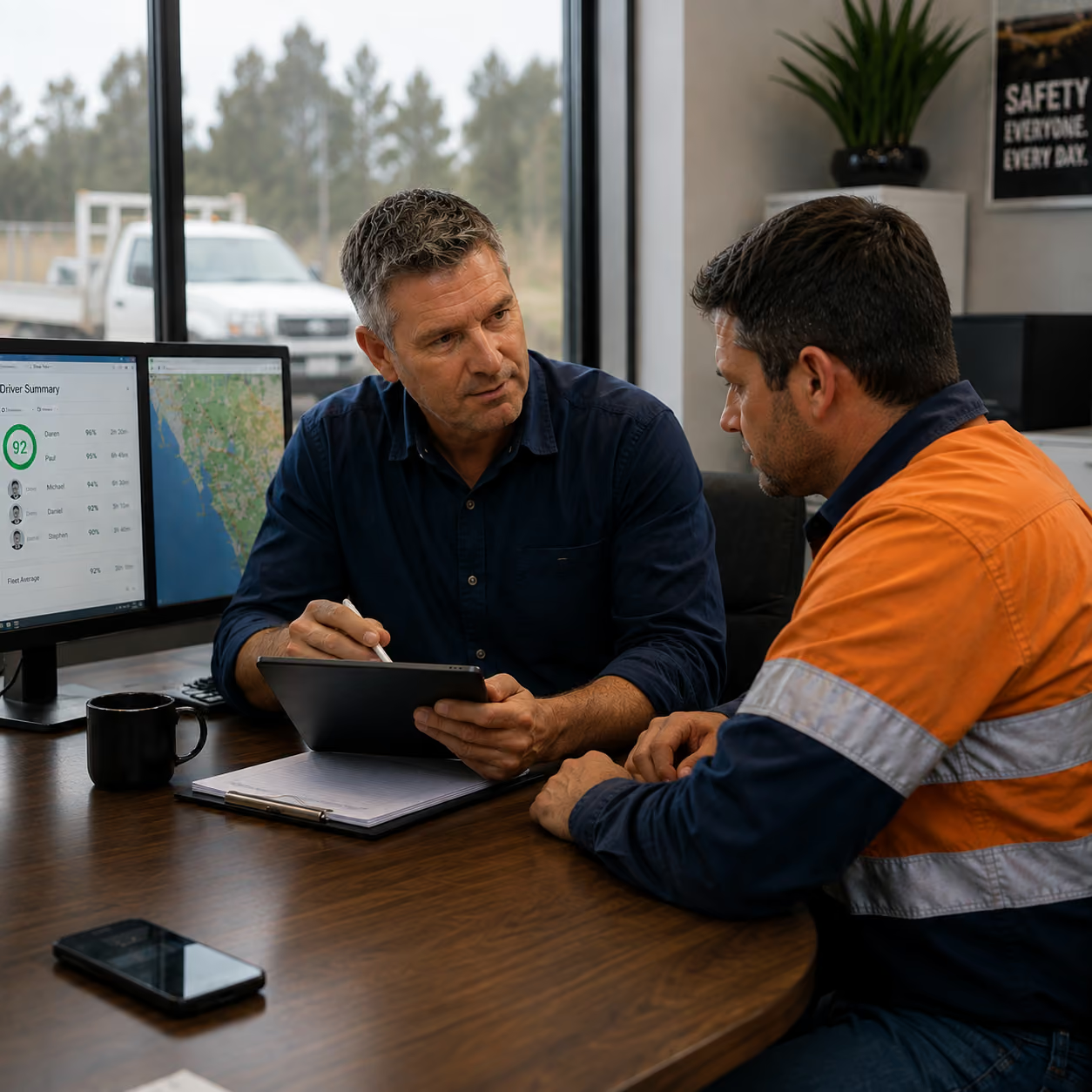
The data collected can also be used to build detailed pictures of driver behaviour; identifying individuals who regularly exceed the speed limit and those whose driving patterns are erratic or unsafe.
Training and coaching can then be employed to help these drivers modify their behaviour. In the long term, that can foster a more accountable, safety-oriented workplace culture, while reducing the risk of accidents and injury for the individuals involved and those with whom they share the road.
Creating a safer future for your team
An engaged, high performing workforce is the most powerful asset any business can have. Protecting the people whose contributions are pivotal to your organisation’s success is a moral imperative and one that makes excellent commercial sense too. Technology can help you do so, when they’re in the field and on the road.
If creating a safer workplace is a priority in 2026, it’s an investment that will pay dividends now and for many years to come.
Source: Safety Solutions – On the road and in the field — how technology can safeguard workers

Zetifi Wins Silver at the 2026 BETTER FUTURE Australian Design Award for Product Design Technology
Wagga Wagga, Australia, 6 February 2026 – Zetifi, an Australian wireless company that designs and manufactures smart antennas for cellular and radio devices with market-leading design, has won a Silver Award in the Product Design Technology category of the 2026 BETTER FUTURE Australian Design Awards.

Zetifi’s UHF CB Smart Antenna, designed and manufactured in Wagga Wagga, New South Wales, transforms the humble antenna into an intelligent connectivity hub enabling duress alerts, lone-worker check-ins, automated asset tracking, and real-time location reporting. Supported by multiple patents and a cross-functional team, the product sets a new benchmark for connected vehicle operations and safety, with practical benefits for drivers, fleets, and remote communities.
For decades, vehicle antennas for two-way radios have remained largely unchanged, simply passing signals to and from hardware hidden elsewhere in the vehicle. Zetifi’s UHF CB smart antenna is the first vehicle antenna with active electronics integrated into the housing. As a result, the point where RF enters the vehicle becomes the place where events are detected, processed and sent to the cloud. The design unifies GPS, Bluetooth, Wi-Fi, cellular and support for UHF radios in a single compact form, enabling safety and connectivity features from the antenna itself.
“Winning this award is recognition of our expertise and insight to imagine the possibilities, develop strategies to bring them into being and pursue market opportunities with precision and patience, says Dan Winson, Founder and CEO, Zetifi. “At the same time, our ongoing success is heavily contingent on the strength of Zetifi’s relationships with our key technology partners and dealer community which has enabled our company to achieve extraordinary growth and invest in solutions to meet market the demands of businesses requiring solutions for connectivity, worker safety and compliance reporting.”
Zetifi’s UHF CB Smart Antenna started with a clear goal: improve RF performance and deliver reliable coverage for vehicles in harsh, remote environments. Safety was always central. Better connectivity meant better chances for drivers and crews to get help when matters.
Achieving that needed more than a stronger antenna. It required coordinated work across mechanical design, RF, electronics, firmware, cloud architecture, app design and continuous field testing. Early prototypes focused on signal quality and resilience. Real-world use with farmers, contractors and road crews then revealed a larger opportunity.
Customers asked simple, practical questions. Could a UHF button press raise a duress alert? Could vehicles check workers in and out automatically? Could the system confirm that radios, PPE and tools were actually on board? All while the connectivity landscape was shifting fast, with Starlink and other networks suddenly making “coverage almost everywhere” realistic for vehicles.
That changed the brief. The antenna was no longer just a way to feed a radio. By integrating GNSS, Bluetooth, Wi-Fi and cellular into the housing, it became the natural place to sense location, detect nearby devices and send events to the cloud. The team iterated quickly, using on-road data and customer feedback to refine features.
The result is a smart antenna platform that replaces stacks of antennas, routers and telematics boxes. It uses Starlink and cellular for backhaul, and turns the humble UHF CB radio into a lone worker safety solution that can integrate, via open-source APIs, with enterprise platforms. At the same time, the antenna moves computing and control into the antenna itself. GNSS, Bluetooth, Wi-Fi, cellular and UHF sit in one compact housing with an open API into telematics and enterprise platforms, so the antenna mount becomes a location-aware edge device.
Key innovations included in the UHF CB Smart Antenna are:
- User-centred design: UHF button presses and BLE tag events trigger duress alerts, check-ins and location reports without extra screens or apps.
- Mechanical and assembly: Parallel radome profiles allow part reuse, while a compression holder for the PCB array adds strength and supports efficient assembly and heat paths.
- RF and electronics: RF simulation plus on-road validation, using on-board electronics to log performance over thousands of kilometres, enables refinement, RF quality assurance and the use of thin coax for cable management and longevity.
- Software and ecosystem: Open APIs, over-the-air updates and work with Icom and Telstra turn the hardware into a platform for safety and fleet features.
- Test and validation: Shaker table testing and long-term field trials underpin an industry-leading 5-year warranty.
In addition, the antenna itself is designed to use energy efficiently and to last. Careful RF and electronics design minimise wasted power and support long duty cycles in harsh conditions. Rugged construction, high ingress protection and vibration-tolerant mechanics reduce failures and the need for early replacement. At the same time, standard mounting and cabling, plus over-the-air firmware updates, extend the useful life of each antenna as software and use cases evolve.
About Zetifi
Zetifi is an Australian wireless company that designs and manufactures Smart Antennas for cellular and radio devices. Its technology is used across agriculture, fleet, mining and enterprise sectors and supports telematics, telemetry and safety systems for vehicles and field equipment.
Media Contacts
Zetifi
Leslie Beckman, Head of Marketing
0419 705 391
leslie.beckman@zetifi.com